Windows 10 has two distinct themes you can use - Dark and Light
These can be changed in Settings > Personalisation > Colours (as shown below)

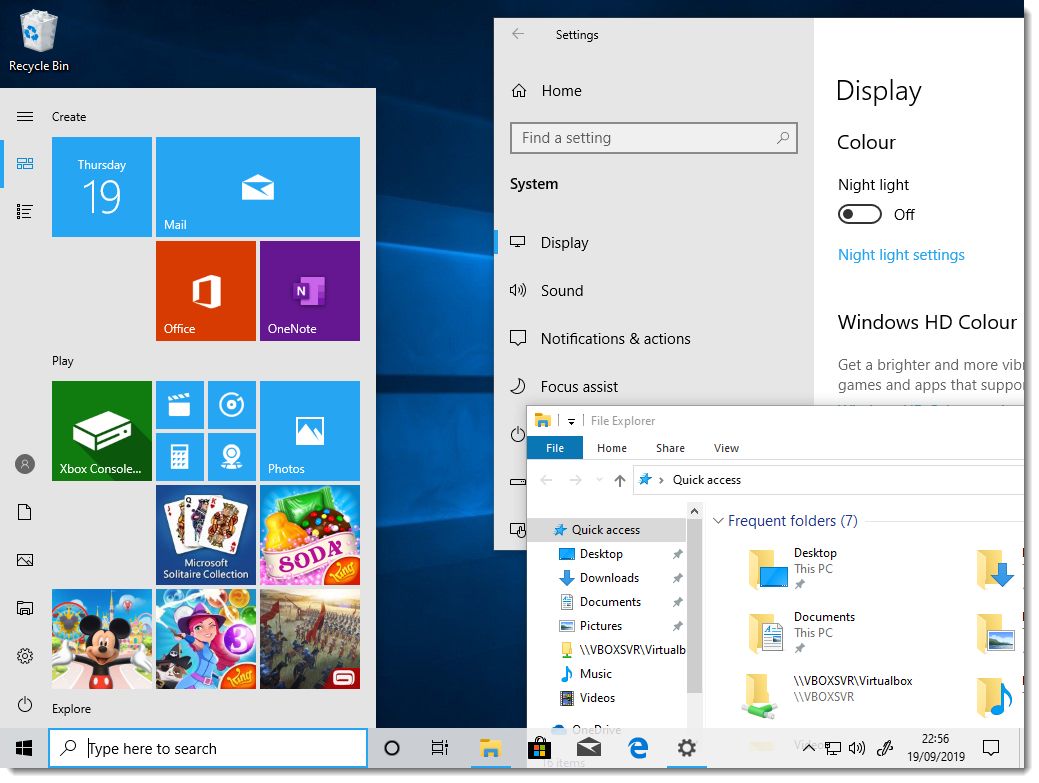
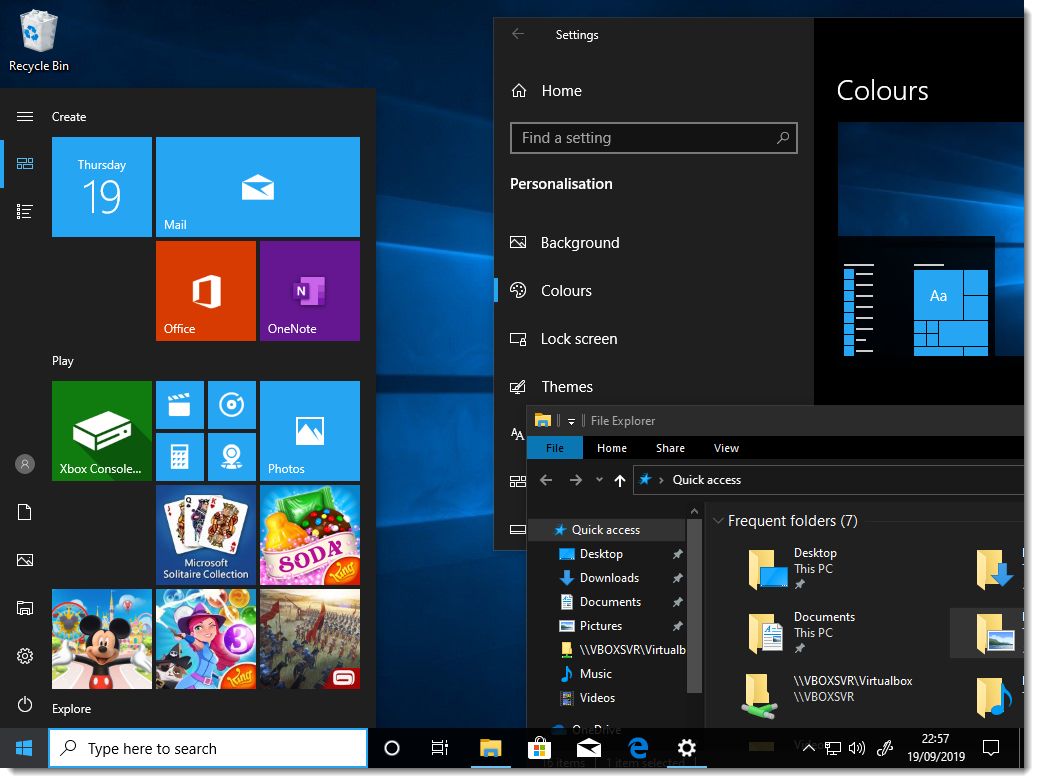
The images below give you an idea of how the different themes look:-
Light
Dark
Windows 10 has two distinct themes you can use - Dark and Light
These can be changed in Settings > Personalisation > Colours (as shown below)
The images below give you an idea of how the different themes look:-
Light
Dark
F7 for caret browsing Hold ALT and press letter
| This Info: | ALT+q |
| Page Header: | ALT+h |
| Topic Header: | ALT+t |
| Topic Body: | ALT+b |
| Contents: | ALT+c |
| Search: | ALT+s |
| Exit Menu/Up: | ESC |